WoW Retail addon
StyleBound Addon
Export your current transmog, import looks from the gallery, save outfits locally, and take cleaner screenshots for StyleBound submissions.
Latest public release is hosted on CurseForge. StyleBound is free, open source, and built for World of Warcraft Retail.
Install
With the CurseForge app
- 1. Open the CurseForge app and select World of Warcraft.
- 2. Search for StyleBound.
- 3. Click Install, then start or reload WoW.
- 4. Open the addon in-game with the minimap button or
/sb.
Manual install
- 1. Download the latest ZIP from the CurseForge Files tab.
- 2. Extract the ZIP.
- 3. Copy the
StyleBoundfolder intoWorld of Warcraft\_retail_\Interface\AddOns\. - 4. Restart WoW or type
/reload, then make sure StyleBound is enabled.
What It Does
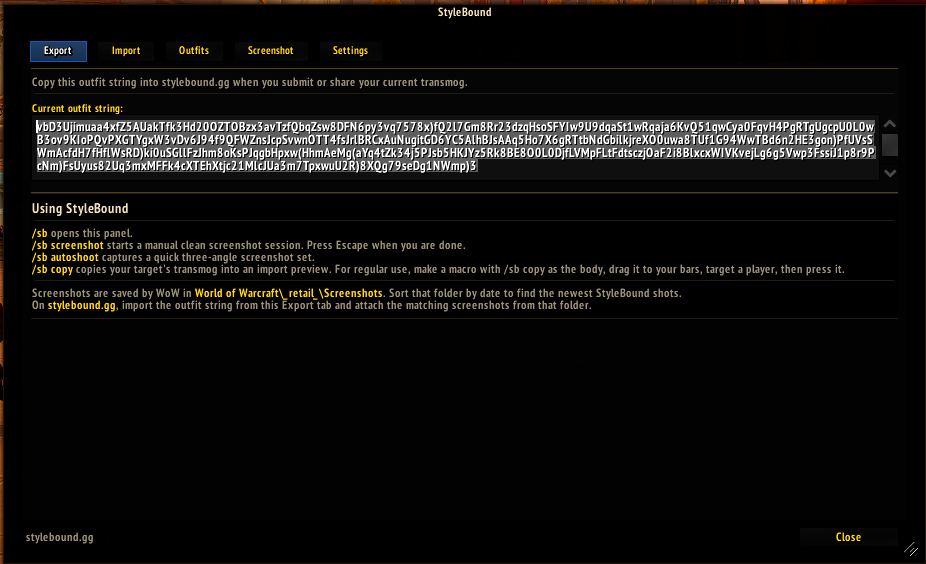
Export outfit strings
Copy your current transmog into a StyleBound string, then paste it into the website submission form to prefill item slots and character details.
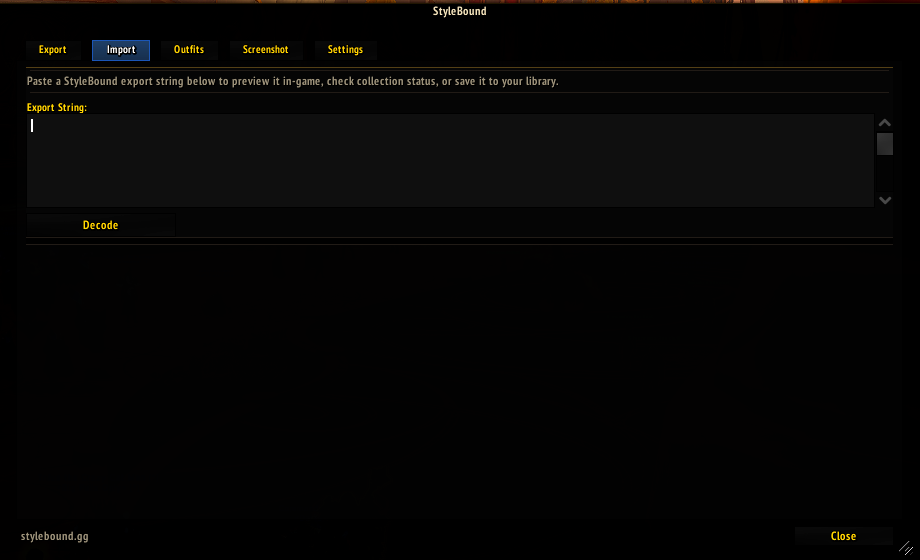
Import from the site
Paste a StyleBound string in-game to preview an outfit, check collection status, and save the look locally.
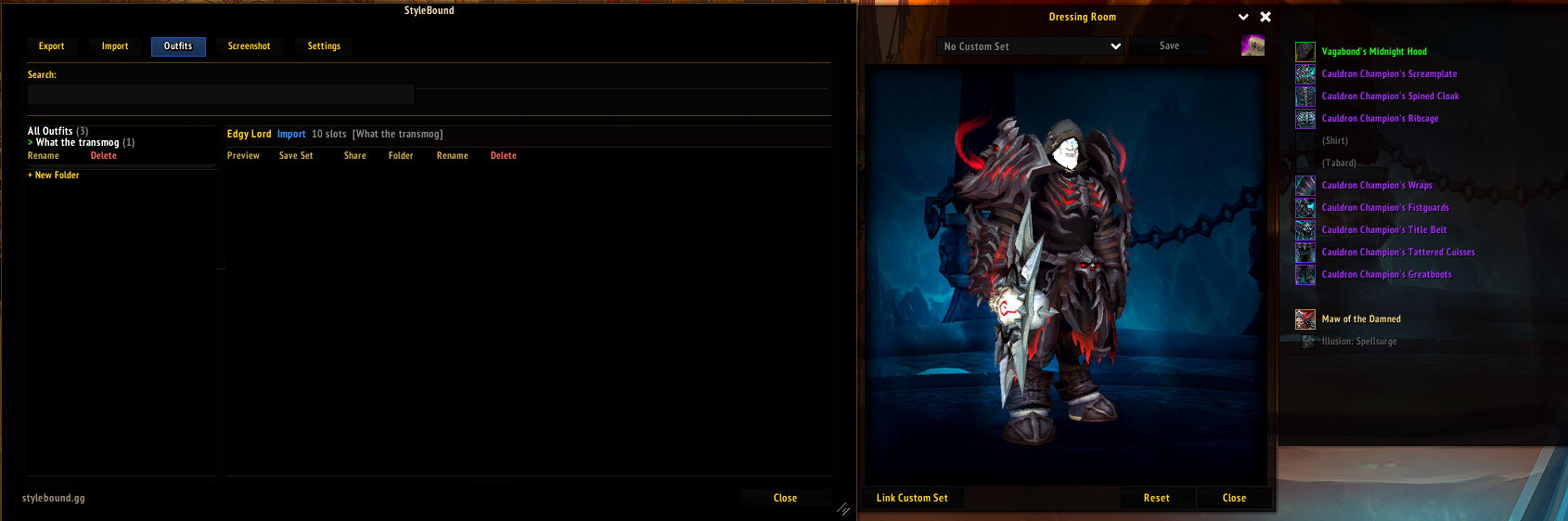
Manage local outfits
Save, search, organize, preview, share, rename, delete, and promote outfits into Blizzard custom sets.
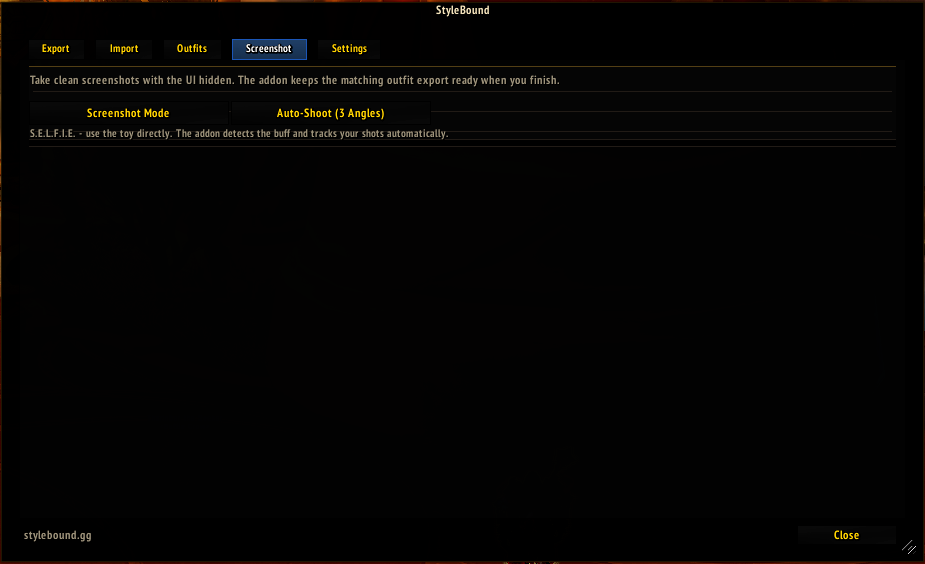
Take cleaner screenshots
Run a manual screenshot session or capture a quick three-angle set for website submissions.
Keep it out of the way
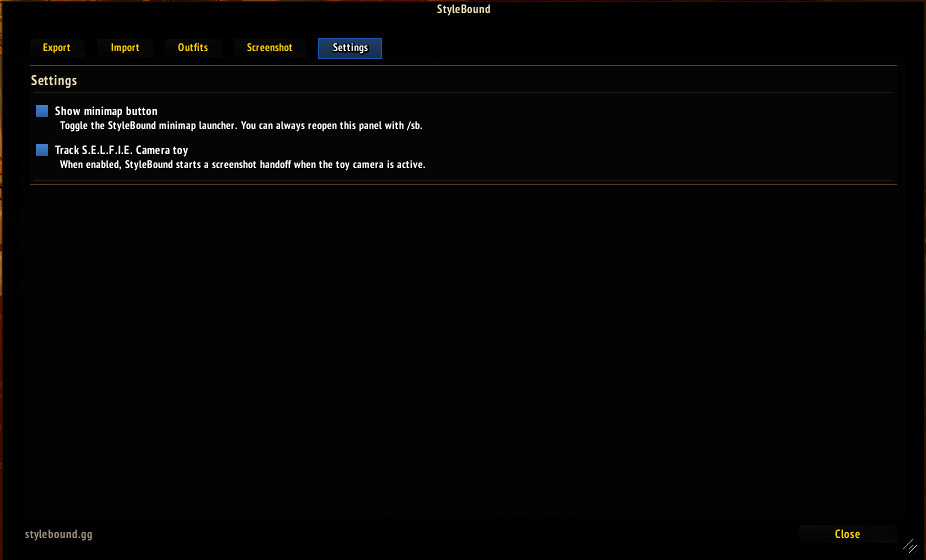
Toggle the minimap launcher and optional S.E.L.F.I.E. Camera tracking from the Settings tab.
No account connection
The addon does not log in, upload screenshots, or make web requests. The site and addon communicate through copy/paste strings.
Submission Workflow
Use /sb to open the addon. The Export tab gives you the outfit string to paste into StyleBound when submitting an outfit.
Screenshots are saved by WoW in World of Warcraft\_retail_\Screenshots. Sort that folder by date to find the newest StyleBound shots, then drag them into the website submission form.
For looks you find on StyleBound, copy the site export string, paste it into the addon Import tab, then preview or save it in-game.
Addon Screens